CHANGELOG · RELEASE 21 · 4th June 2026
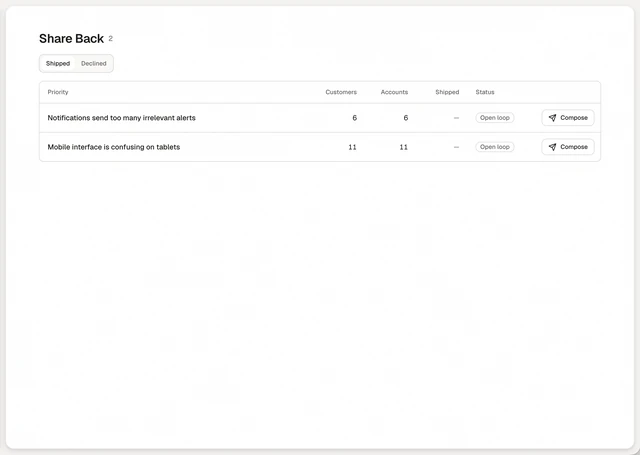
See Share Back in your own brand before it sends.
Preview the email that tells customers their request shipped.
How to use it
The note that tells a customer their request shipped should look like it came from you. Set your company name, logo and accent color once, and a live preview shows the email and widget before anything sends. Without branding, Annsa's default styling applies.
- Open Settings, then Notify, then Share Back.
- Enter your company name, logo, accent color, footer text and sender name.
- Check the preview. Each note quotes the customer's own words and says what was built.
In this release
Improvements
Fixed. A customer drilldown lost its place on refresh. The feedback widget button and the brand color pickers had no label for a screen reader. Billing reads "Feedback processed this billing cycle", with the reset date shown.